/01
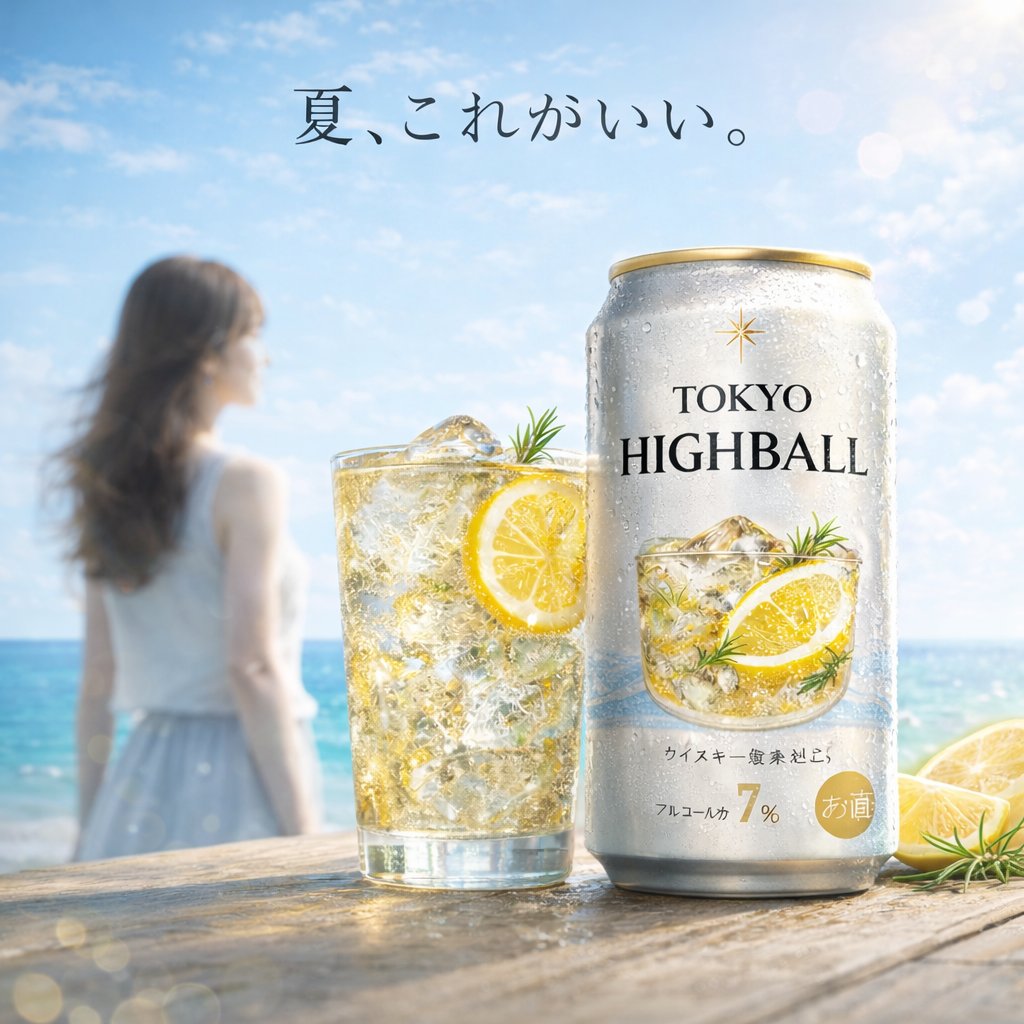
Crisp Detail & Clean Text Rendering
Our AI image generator reads every part of your prompt carefully—producing realistic lighting, fine surface textures, natural hands, and clear, readable letters on posters, packaging, logos, and thumbnails.
Turn simple words into vivid pictures, transform photos with image to image, and finish clean image edit tasks—all free to start inside one fast online studio.
Our AI image generator reads every part of your prompt carefully—producing realistic lighting, fine surface textures, natural hands, and clear, readable letters on posters, packaging, logos, and thumbnails.
Upload one or more photos to restyle colors, swap backgrounds, change outfits, or refine small details. Image to image keeps your main layout steady while plain-English image edit handles quick fixes smoothly.
Download clean, high-resolution files up to 4K with zero watermarks. Paid plans include full commercial rights and a downloadable certificate so you can ship ads, product listings, and client designs with peace of mind.
Go from rough sketch to polished visual in seconds. Pick from curated templates or generate multiple variations at once inside the AI image generator so you never feel stuck staring at a blank screen.
Create studio photography, 3D product renders, soft watercolor paintings, anime characters, clean flat icons, or minimalist posters. Blend styles and lighting smoothly with image to image reference control.
No need to memorize complicated prompt codes—just write what you picture in plain language. Once your artwork looks right, bring it straight into Magi 2 to animate it into a smooth 4K video with sound.
See how designers, shop owners, marketers, and storytellers use text-to-image, image to image, and fast image edit tools to save hours on visual projects.
Build crisp YouTube thumbnails, Instagram carousels, and campaign banners with clear headlines and bold colors. Run a quick image edit anytime to test new backdrops, props, or seasonal moods in minutes.
Upload a simple phone photo of your item and use image to image to place it on clean marble counters, sunny wooden tables, or cozy lifestyle rooms—complete with natural shadows and soft reflections.
Explore logo directions, packaging mockups, event flyers, and clean UI inspiration inside the AI image generator. Polish typography, color balance, and spacing fast with targeted image edit instructions.
Illustrate children's books, comic panels, podcast covers, and blog headers with steady character designs. Turn your favorite still frames into moving video scenes later without switching platforms.
Draft game characters, isometric rooms, magical props, and detailed landscapes in minutes. Feed rough sketches into image to image to test daylight, night glow, and material textures rapidly.
Turn family snapshots or pet photos into cozy clay art, retro portraits, greeting cards, or custom phone wallpapers using simple image edit prompts anyone in the family can enjoy.
Create brand-new artwork or finish a clean image edit online—no heavy design software or expensive graphics cards needed.
Start in Text to Image mode to create something brand new from your words, or switch to Image to Image to upload one or more reference photos for restyling, blending, or targeted image edit updates.
Write a friendly, clear description of your subject, art style, colors, and lighting. Choose your aspect ratio, resolution up to 4K, file format, and optional transparent background for stickers or logos.
Click Create and watch your fresh artwork appear in seconds. Want a small change? Run a quick follow-up image edit, save your favorite version in crisp full quality, or animate it into video.
Need help? Email us at support@magi2.im